Our Browser Extensions Save You Even More Time

Table of Contents
Product InformationHow many tabs do you currently have open in your browser? We're guessing you also have a couple different windows open too...
Are you constantly logging in and out of sites that you manage for several different clients? Always searching through spreadsheets and emails for those logins and passwords? And how often do you veer off track during this transition time?
According to our May 2017 client survey, the average marketer is managing 147 logins - and that doesn't even include their personal accounts! That's 147 usernames and 147 passwords to remember. And let's be honest, that is simply impossible.
TeamPassword makes managing these 147 accounts easy.
The TeamPassword Browser Extension makes it even easier. Secure password management without ever leaving your browser window.
Our browser extensions are available for Chrome, Firefox, and Safari: click the links to download the version you prefer most. Use all three? Well, by all means, go wild then!
Welcome to password storage that's just one click away.
Here's how it works:
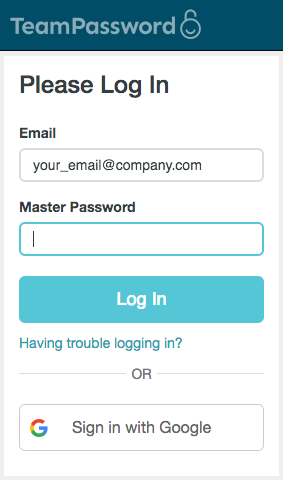
Log in using your TeamPassword credentials.
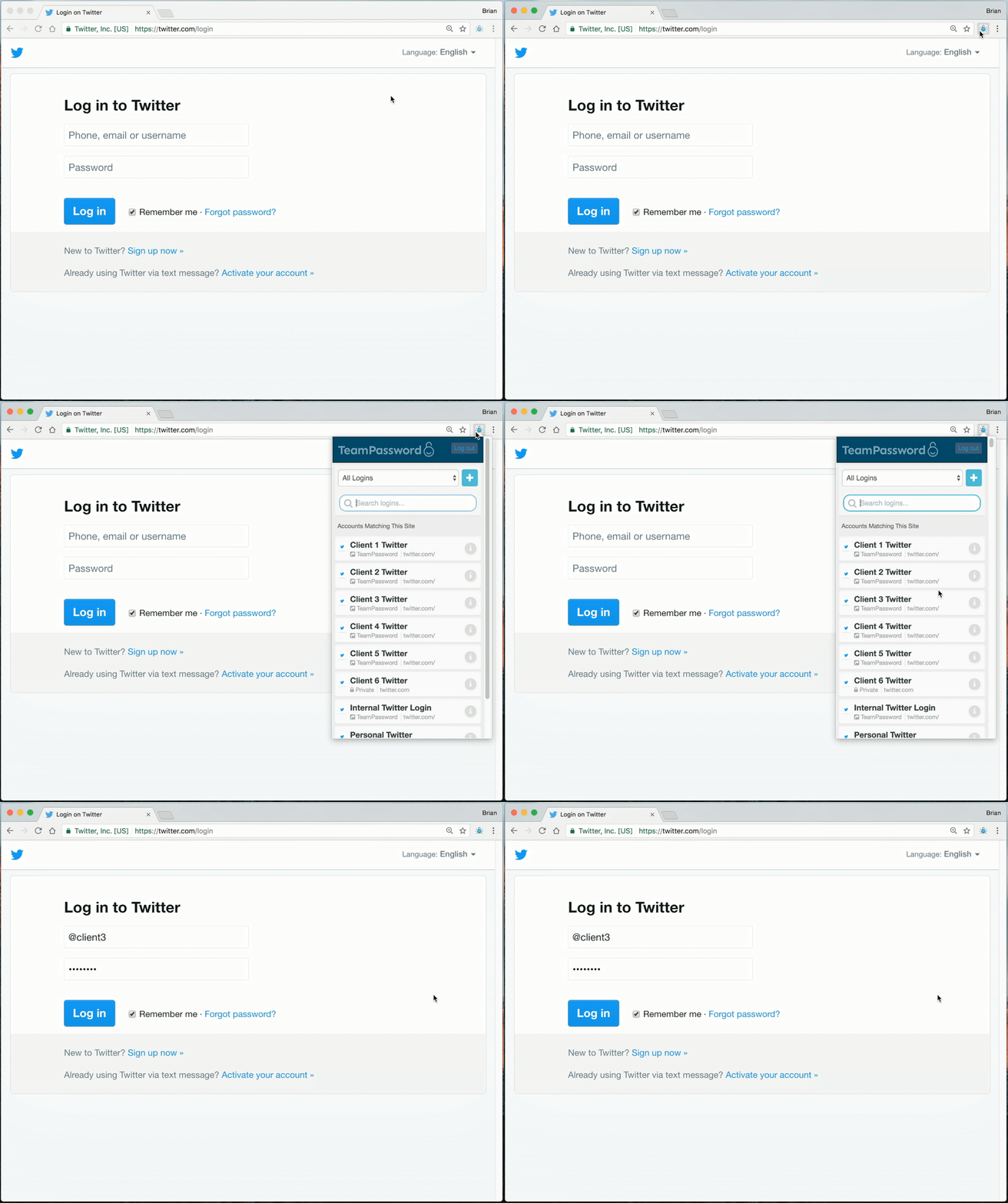
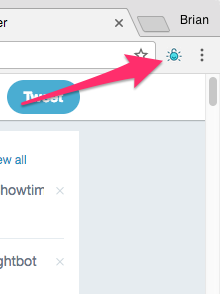
Simply click the TeamPassword lock in the upper right corner of your browser, select the correct login name and you're ready to roll!
Now when you're clicking through those thirty open tabs, you'll have immediate access to all your login info without ever interrupting your workflow. Your very own password vault built right into your favorite web browser.
Breakthrough to a new level of ease and productivity. Download the TeamPassword Browser Extension today!